

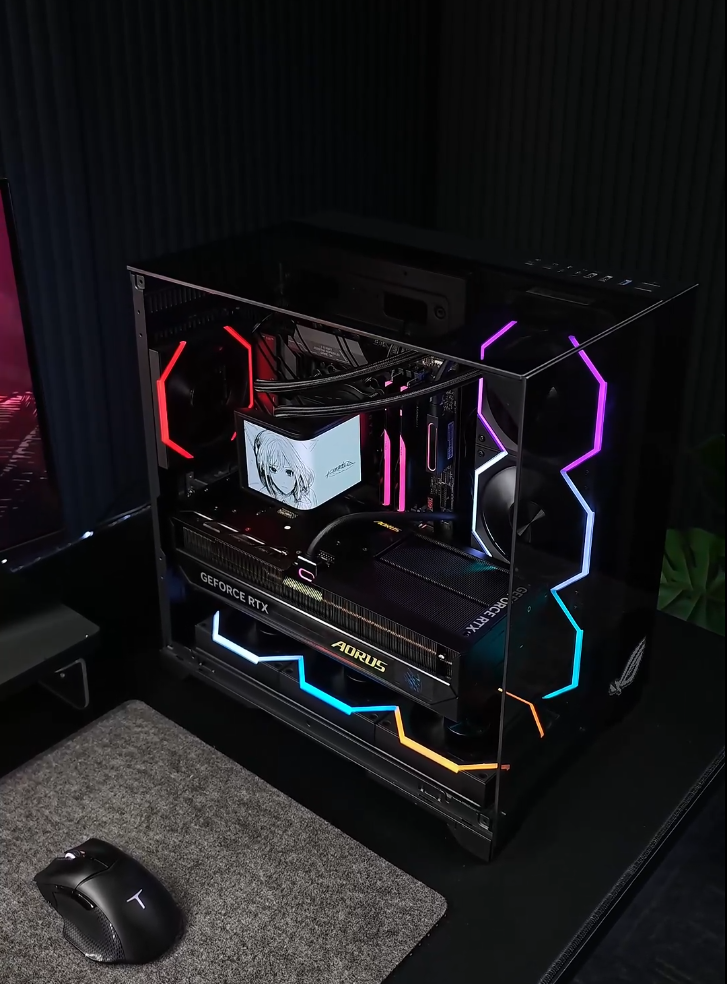
The Problem with Traditional Fan Hubs
Most standard case fans force you to connect them in a very specific physical order (daisy‑chain). One mistake in that sequence, and your entire lighting setup goes haywire. The only fix? Unplug everything, trace the cables, and start again. It’s frustrating, time‑consuming, and honestly – a pain.
The Solution: Nyota Fans + Umbra Hub
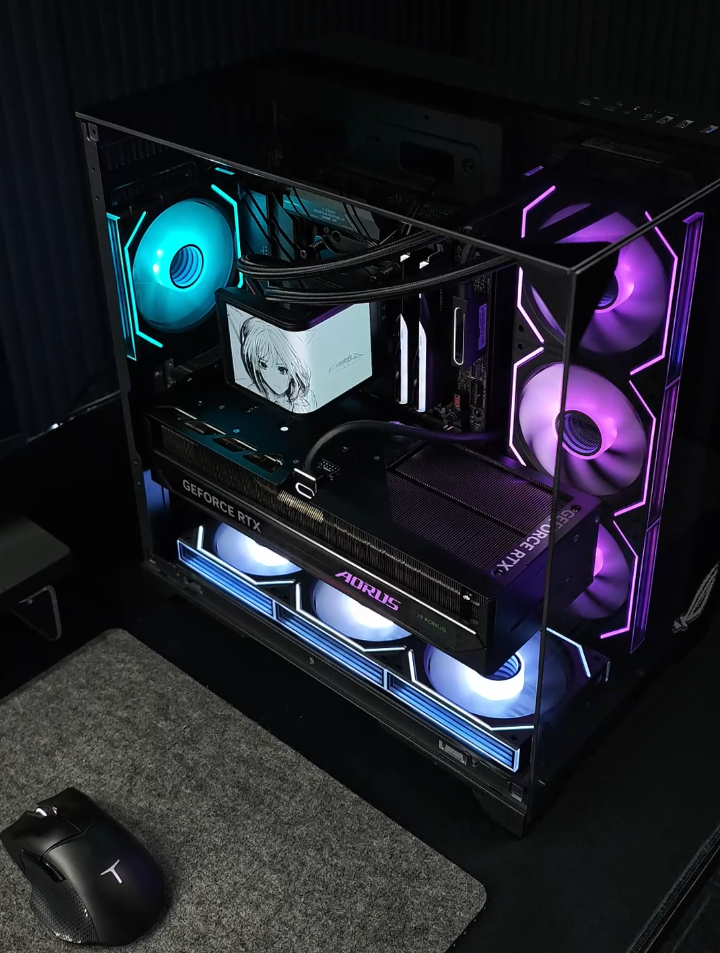
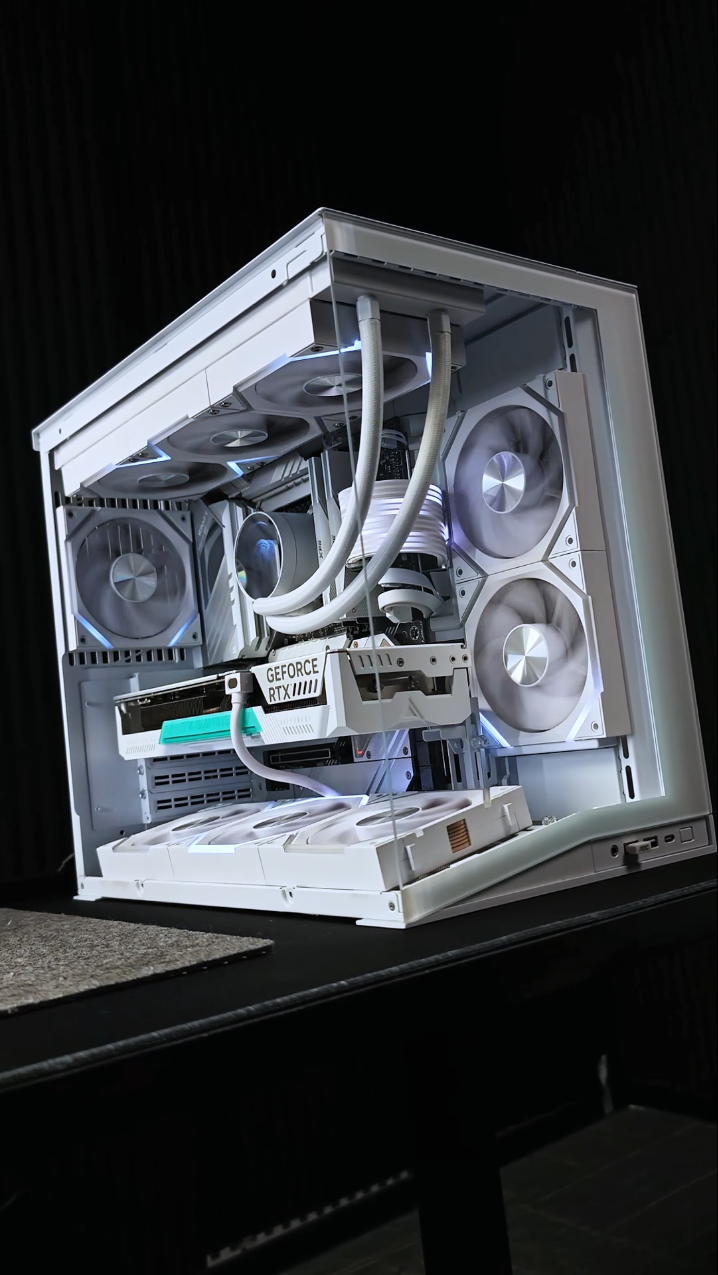
With Nyota fans and the Umbra ARGB PWM Hub, you can forget about daisy‑chain limitations. The Umbra Hub features 10 independent ARGB ports, each supporting full control over the connected fan’s lighting and effects. No strict order required – just plug each fan directly into its own port.
Why This Setup Is a Game‑Changer
No daisy‑chain required – plug fans in any order you like.
Independent control per fan – assign different colors and effects to each individual fan.
One app, zero headaches – the dedicated Umbra software gives you full customization without remotes.
Would You Try This Setup?
Whether you’re a first‑time builder or a seasoned modder, the Nyota + Umbra combination simplifies installation and unlocks creative freedom you never had before. Your PC, your rules.

اترك تعليقًا
تخضع جميع التعليقات للإشراف قبل نشرها.
This site is protected by hCaptcha and the hCaptcha Privacy Policy and Terms of Service apply.